A building directory answers a simple question: who or what is here, and where can I find it? The answer becomes less simple when tenants move, departments change names, or several teams share the same floor. Digital directory boards can make that information easier to maintain and present, provided the underlying records and responsibilities are clear.
For building managers, a directory project is therefore partly a display decision and partly an information-management decision. This guide explains how to choose an appropriate format, organise entries, prepare data and establish the operating process that keeps a directory dependable after the initial installation.
1. Choose between a directory, a map and an interactive service
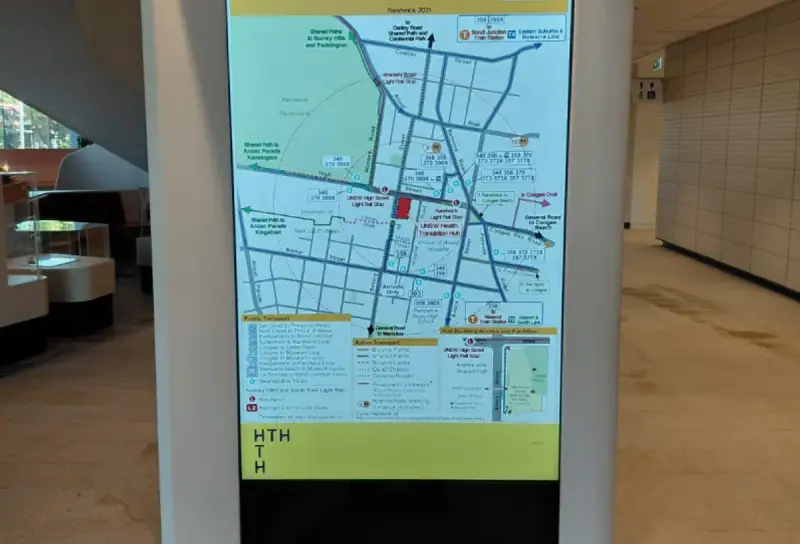
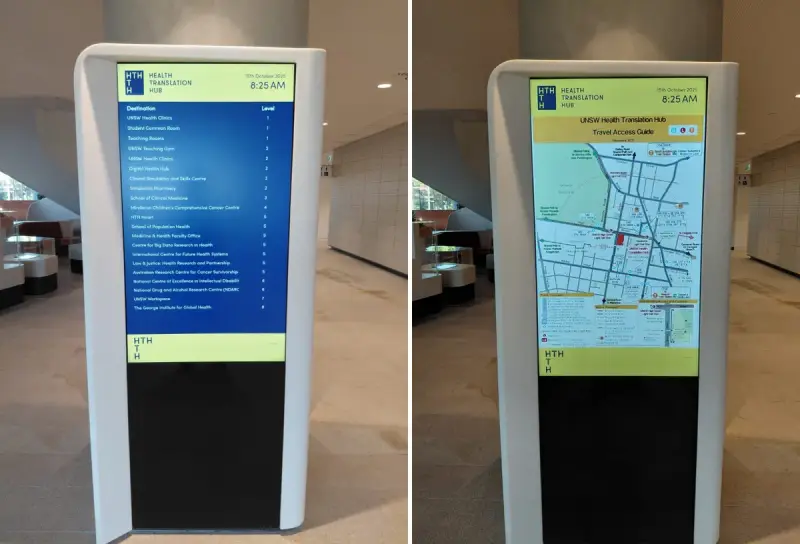
A directory lists destinations. A map explains their relationship to the space. Interactive wayfinding helps a visitor choose and navigate toward a destination. These functions can work together, but they are not interchangeable. Begin by identifying which question visitors most often need answered in your building.
A straightforward office lobby may need a clear tenant list and floor information. A larger facility may benefit from a directory combined with a map or additional navigation guidance. If people mainly ask which organisation occupies a particular floor, a complex route-planning interface may add steps without addressing a real need.
Consider how many entries must be visible and how frequently people need to search. A non-interactive display should not require a visitor to wait through a long rotation to find a tenant. An interactive display needs controls that are easy to recognise and a clear starting point when the previous visitor has finished.
Write down the intended functions before comparing products. A supplier can then explain how the proposed directory board presents entries, handles capacity and relates to any wayfinding solution. Confirm capabilities through a demonstration using representative building information.
2. Structure entries around visitor expectations
Decide whether visitors are most likely to search by organisation, department, service or room. A commercial office building may suit an alphabetical tenant list. A shared healthcare or education facility may need additional grouping, because a visitor often knows the service they need rather than the legal name of the organisation providing it.
Keep the public name distinct from administrative identifiers. The display should use language that visitors recognise, while the data record can retain an internal code for reliable updates. Include a level or location label that matches the building’s physical signs. Consistent naming reduces the need for visitors to translate between different systems.
Agree on rules for long names, abbreviations, subtenants and multiple locations. Without those rules, some entries can become much larger or more prominent than others. A simple editorial standard helps make the directory fair, readable and easier to maintain as occupancy changes.
Ask what information is necessary for navigation. Adding telephone numbers, opening hours, logos and promotional text to every entry may crowd out the destination information. Include extra details only when they serve a clear visitor need and there is an owner who can keep them accurate.
3. Prepare a clean register before importing data
Collect the current directory entries in a single reviewable register. Typical fields include an entry identifier, public name, level, location description, status, owner and the date last confirmed. The exact fields will depend on the display and any integration, but the register should make missing or conflicting information visible.
Check for duplicate entries, old names and inconsistent floor labels. “Ground”, “G” and “Level 0” may all refer to the same place, yet appear to be different locations to a visitor. Choose the approved convention and apply it consistently across the directory and associated communication material.
Validate the register with the people responsible for occupancy or departmental changes. Do not assume that an old printed directory is the definitive source. A tenant representative may need to approve the public name, while facilities staff confirm the location and access arrangements.
If data will be imported automatically, ask the supplier to show how records are matched and what happens to deleted or incomplete entries. Test a change to a display name without changing the underlying destination. A reliable update process should not accidentally create a second listing or remove unrelated information.
4. Design for the conditions in the lobby
Review the directory from the places where visitors will actually stand. Check how a queue, security desk or furniture arrangement affects the view. A display that is visible from the main entrance may still be difficult to read once someone reaches the point at which they need to choose a lift or corridor.
Use hierarchy to make names and locations easy to scan. Decorative elements should support the information rather than compete with it. Strong text contrast is particularly important when a lobby contains bright windows or reflective finishes. The W3C contrast guidance offers a useful digital design reference, alongside testing in the actual physical environment.
For touch interfaces, consider the size and spacing of controls, the number of actions needed to find an entry, and whether the display returns to a clear starting state. Discuss mounting, reach and circulation with the appropriate specialists; software design alone cannot resolve physical access requirements.
Retain an alternative source of assistance. Some visitors will prefer to ask reception, and others may be unable to use a particular interface. Staff should have access to the same current information so their directions agree with the directory.
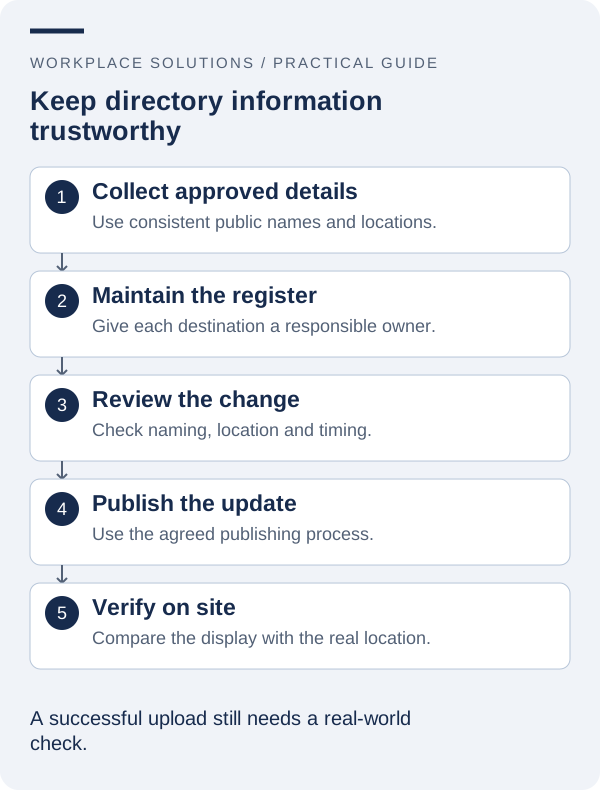
5. Create a controlled process for tenant and department changes
A directory update often begins outside the team that operates the screen. Leasing staff may know about a tenant move, a department may change its public name, or a building contractor may report an access change. Define a clear route for those requests to reach the directory owner.
A change request should state the affected entry, the proposed wording, the effective date and the person authorised to approve it. Distinguish a draft change from an approved update. Publishing a relocation too early can be as confusing as leaving the old location in place after the move.
Where several channels use the same information, coordinate their timing. The directory, visitor instructions, appointment messages and relevant physical signs should ideally change together. If that is not possible, provide an agreed transition message so visitors are not left to resolve contradictory guidance.
After publication, verify the result at the display. Record who checked it and whether any related channel still needs updating. This final step is small, but it prevents a successful administrative update from being mistaken for a completed visitor-information change.
6. Keep essential information distinct from promotional content
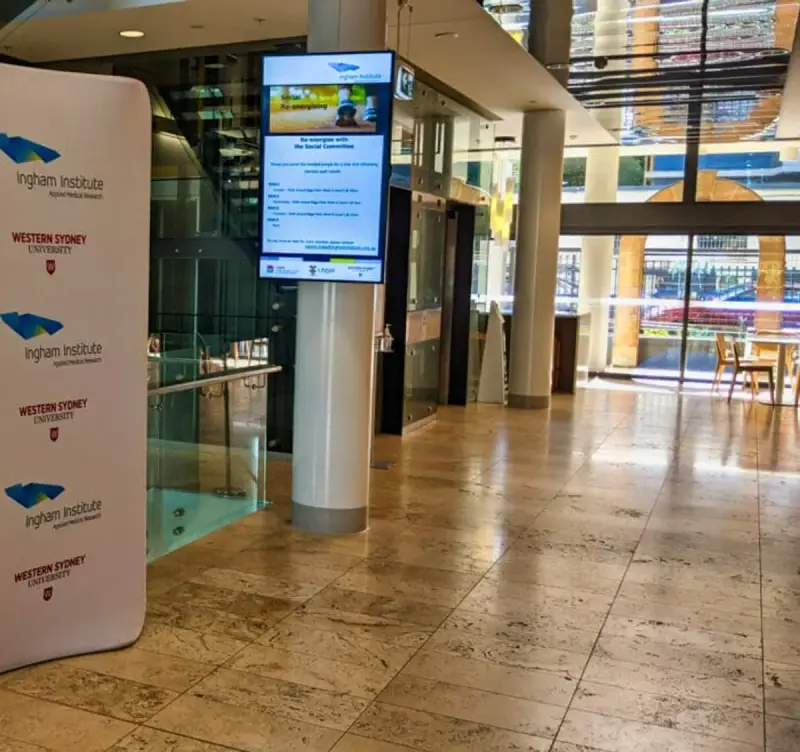
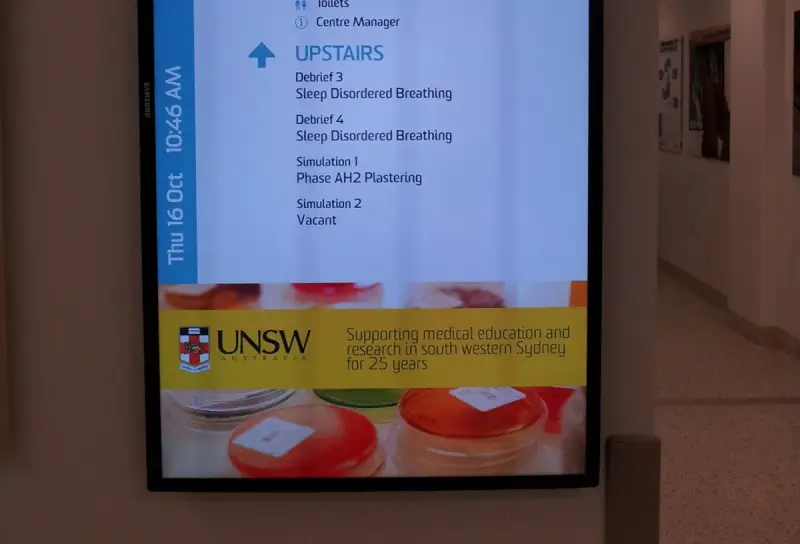
Some buildings want to use the same display for directory information and promotional material. That can be workable, but the navigation task needs a clear priority. A visitor should not have to watch an unrelated presentation before discovering which floor they need.
Decide whether promotional content has a separate area, a separate screen or a limited place in the presentation. Check that the layout remains readable when every required directory entry is present. A design approved with a small sample of tenants may not work once the building’s full occupancy is included.
Apply ownership and expiry rules to promotional messages. A building notice about maintenance should stop appearing when the work is complete. Tenant-supplied material should follow an agreed approval process and should not introduce misleading location information or an inconsistent visual priority.
Keep public information separate from sensitive operational details. A lobby directory does not usually need staff rosters, private contact details or internal access instructions. Review the intended audience before publishing additional fields simply because the source system contains them.
7. Compare proposals using practical scenarios
Ask each supplier to demonstrate the same small set of tasks. Add a tenant, move an entry to another floor, correct a long name, remove an obsolete listing and show the result on the display. Include the person expected to maintain the directory in this evaluation.
Check the operating arrangements as well as the interface. Establish who provides the hardware, how content is managed, how support requests are logged and which responsibilities remain with the building team. If an integration is proposed, identify the source owner and the process for handling a data-feed failure.
Request clear assumptions about display capacity, licensing, installation access, training and future changes. A comparison is only useful when proposals cover the same requirement. Additional functionality may be valuable, but it should be assessed separately from the essential task of maintaining a readable, accurate directory.
The Directory Board product website is a useful place to explore the solution family. Bring a sample register and photographs of the intended location to the discussion so the proposed approach can be assessed against your building’s real information and physical conditions.
8. Make routine review part of building operations
Set a review schedule that reflects how often occupancy or public information changes. A stable building may need a different routine from a shared facility with frequent room reallocations. The objective is to catch changes that did not arrive through the formal request process.
Include a physical check as well as a data review. Confirm that the screen is operating, the displayed entries are current, and the information remains readable from normal viewing positions. Look for changes around the display, such as new furniture or signs that affect its usefulness.
Use reception feedback to improve labels and grouping. Repeated questions may indicate that a term is unfamiliar or that the directory does not answer a common visitor need. Review the information before assuming that the hardware needs to be replaced.
A successful directory becomes a dependable part of the building’s everyday service. Start with a clear register, a suitable format and named owners, then keep those foundations current. Workplace Solutions can help you discuss the requirements for a digital directory and its relationship with the rest of your workplace communication.