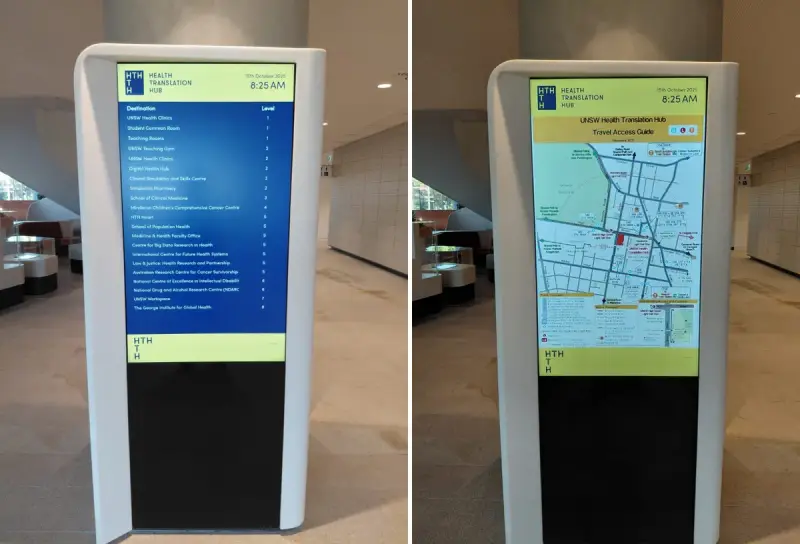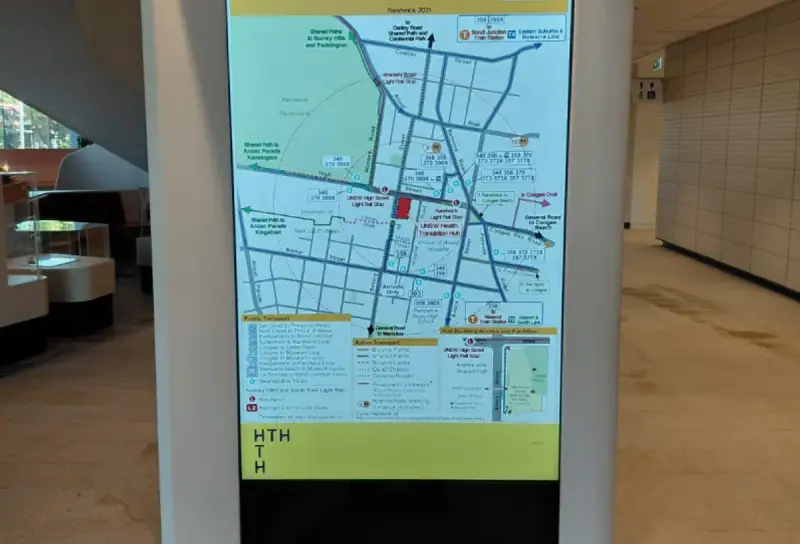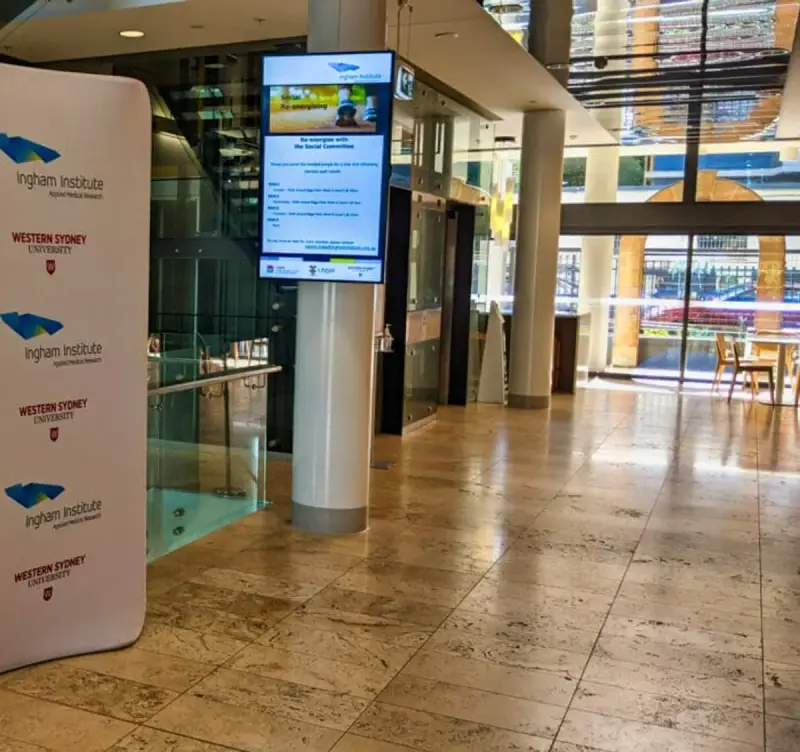
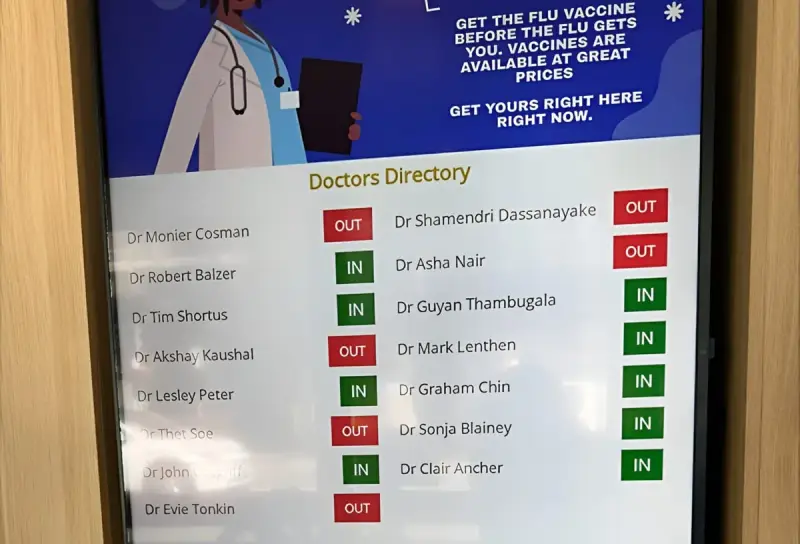
People arriving at a healthcare facility may be unfamiliar with the building, worried about an appointment or helping someone who needs assistance. Clear information can make the arrival experience easier to understand. Medical boards can support that communication by making relevant information visible in reception and shared spaces.
The challenge is deciding what belongs on the display and how it will remain accurate. A healthcare screen is not simply a larger version of an internal document. It needs an audience-appropriate purpose, careful handling of information and a practical ownership process. This guide focuses on those decisions rather than assuming a particular clinical workflow or software integration.
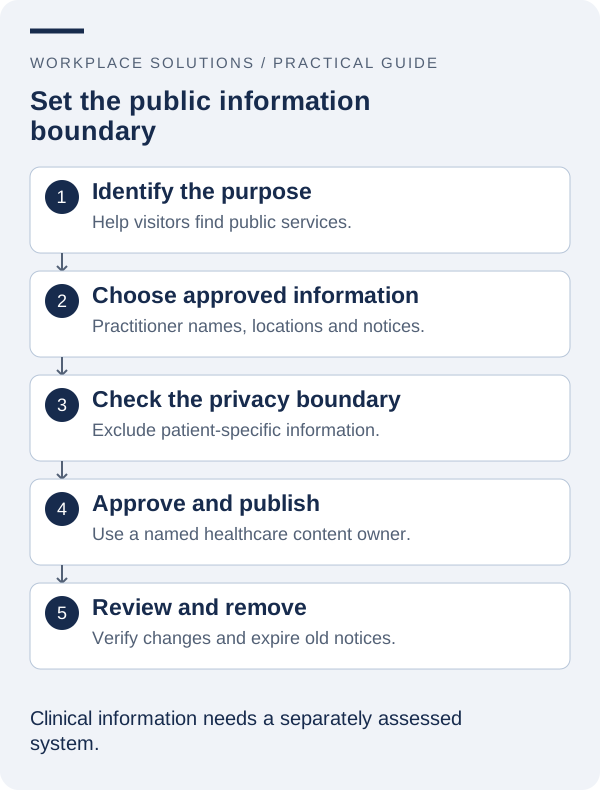
1. Define the public communication purpose
Begin by identifying the audience and the question the display should answer. A reception board might explain where to check in, show general facility information or help visitors recognise a service location. A staff-only board may have a different purpose and require different access arrangements.
Keep those audiences separate in the brief. Information intended for employees should not automatically be copied to a screen that patients, visitors or passers-by can see. Walk around the proposed location and consider visibility from entrances, corridors and waiting areas, including places outside the immediate reception zone.
Specify the action a viewer should take after reading the information. “Please check in at reception” provides an actionable instruction. A long collection of internal process notes is more likely to raise questions than resolve them. Use the display to support a clear service experience, not to transfer every explanation away from staff.
Ask reception and administrative teams which questions are repeated and which misunderstandings cause difficulty. Their observations can help prioritise useful content. Any proposal involving clinical or patient-specific information needs separate review by the appropriate organisational owners.
2. Choose information that belongs in a shared space
General arrival instructions, service locations, approved facility notices and clearly maintained public information are sensible starting points. The exact selection depends on the facility. Avoid copying a spreadsheet or internal dashboard wholesale simply because it is technically possible to display it.
For each proposed field, ask why the viewer needs it and who has approved its public use. Names, contact details, appointment information and other records can require careful consideration. The fact that information appears in one authorised system does not establish that it should be visible on a public screen.
The Office of the Australian Information Commissioner’s Australian Privacy Principles information is a useful reference when reviewing personal information handling. The facility should determine its applicable obligations and internal policies with the relevant advisers. A display supplier should not be expected to make those decisions on the organisation’s behalf.
Where an example screen is used during design or training, use clearly fictional demonstration data. This allows staff to assess the layout without introducing real personal information into a test environment or an installation photograph.
3. Write messages for people under pressure
Use familiar words and short, direct instructions. Put the most important information first and avoid requiring visitors to understand internal department terminology. If a service has a public name, use that name consistently in the display, appointment instructions and physical signs.
Design a clear visual hierarchy: a heading, the essential message and a next step. Keep each screen or content item focused. A crowded display can be difficult to scan, particularly when someone is distracted, standing at a distance or managing another task.
Do not use colour as the only way to communicate a status or category. Add a label that explains the meaning. Check contrast, type size and viewing conditions together. W3C guidance on contrast can inform the digital design, but the finished display should also be assessed in the actual reception or waiting area.
Consider language needs and alternative ways to obtain the information. A screen should complement staff assistance rather than make it harder to ask for help. If translated content is required, establish who approves it and how updates will be maintained across languages.
4. Assign content responsibility and approval
Different messages may require different owners. Facilities staff may own location information, reception may own arrival instructions, and an authorised clinical or communications team may need to review health-related material. Define those responsibilities before opening the publishing process to multiple departments.
A content register should record the message, intended audience, source, approver and review date. Time-sensitive notices also need an expiry or removal process. A display that keeps showing an outdated instruction can appear authoritative even when nobody is actively maintaining it.
Use a clear method for urgent corrections. Staff should know whom to contact if the screen gives an incorrect location or instruction. The process should distinguish between a content correction and a technical fault, because they may have different owners and different remedies.
Prepare a small set of approved fallback messages. General reception guidance and a reliable assistance point can be useful when a source is unavailable. Avoid fallback content that makes an operational claim which cannot be confirmed at the time it is shown.
5. Evaluate integrations without making assumptions
Some projects may require data from calendars, directories or other operational systems. Start by naming the source and the exact fields the display needs. An integration should be scoped around an approved information flow, not a general request to connect everything.
Ask how data is retrieved, which permissions are required and how changes are reflected on the display. Confirm the update behaviour and what happens if the source cannot be reached. A screen that continues showing older data may need a different operating procedure from one that stops displaying the affected information.
Use representative test cases, including missing values, renamed entries and a source interruption. Review the displayed result with the people responsible for the information. Technical success means the connection works; operational acceptance means the information is appropriate and understandable in its intended setting.
For any patient-related integration, involve the organisation’s privacy, information-security and operational owners before proceeding. Do not assume that a medical board includes patient-system connectivity or that such connectivity is appropriate for a public display. Confirm the specific product scope and configuration in writing.
6. Position and test the display in normal conditions
Assess the installation during ordinary activity. Reception queues, seating arrangements, door movement and daylight can change how visible the screen is. A successful demonstration in an empty room does not establish that the information will remain readable in a busy waiting area.
Check the intended viewing positions, including seated positions where relevant. Review mounting, cable routes, cleaning access and maintenance arrangements with the appropriate building and installation staff. Equipment should fit the facility’s operational requirements rather than create an awkward new task for the people managing the space.
Test the communication with staff and representative users through an appropriate, approved process. Ask what the message means and what action they would take. Keep the exercise focused on clarity; do not collect sensitive information merely to evaluate a display layout.
Include the alternative assistance route in testing. A visitor who cannot read or use the screen should still know how to obtain help. Keep any required physical signs and established operational procedures in place rather than assuming a new digital display makes them unnecessary.
7. Maintain trust through routine checks
Trust depends on accuracy as much as appearance. Establish a routine that checks the screen is operating and that its content remains appropriate. A device can be technically online while showing an outdated notice, an incorrect location or an expired message.
Keep a record of the equipment, its location and the people responsible for support. Define how staff should report a problem and what information helps diagnosis, such as the display identifier, time observed and a description of the issue. Follow facility policy before taking photographs that might capture people or sensitive information.
Review recurring incidents for a process problem. Repeatedly correcting the same entry may indicate that the authoritative source is unclear. Repeated interruptions may require a review of the player, network, power arrangement or agreed support process rather than another manual restart.
Schedule content reviews around known operational changes. A service move, reception process change or refurbishment should trigger a check of related display information. Make that check part of the change plan so it is not left until visitors begin reporting inconsistent instructions.
8. Prepare a brief that supports a useful conversation
A good brief describes the facility type, the intended audience, the proposed locations and the messages the display should communicate. Include examples of approved content, the people who will maintain it and any information sources that need to be considered.
List the important questions separately from confirmed requirements. You may need to explore software capabilities, hardware suitability, accessibility considerations or a possible integration. Keeping uncertainties visible helps the supplier propose an appropriate next step instead of building a solution around an untested assumption.
Agree on how success will be reviewed. Reception feedback, content accuracy checks and the ability of authorised staff to maintain messages can provide useful evidence. Avoid attributing broad clinical or operational outcomes to the display without an appropriate basis for doing so.
Visit the Medical Boards solution page and the dedicated product website to explore the offering. Bring your brief to Workplace Solutions so the discussion can focus on clear communication, appropriate information and the support arrangements needed for your healthcare environment.