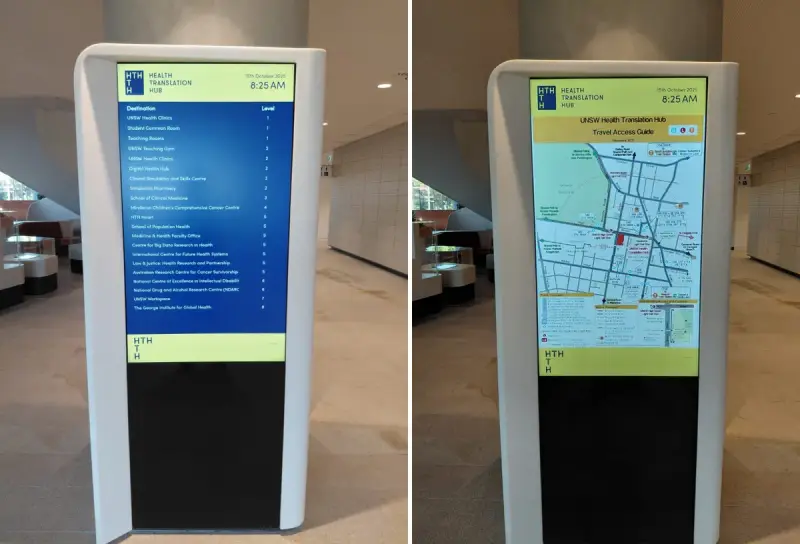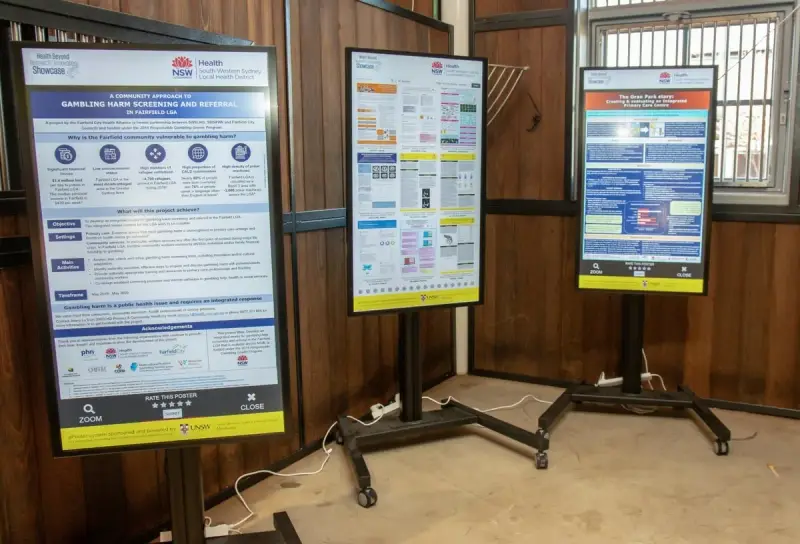
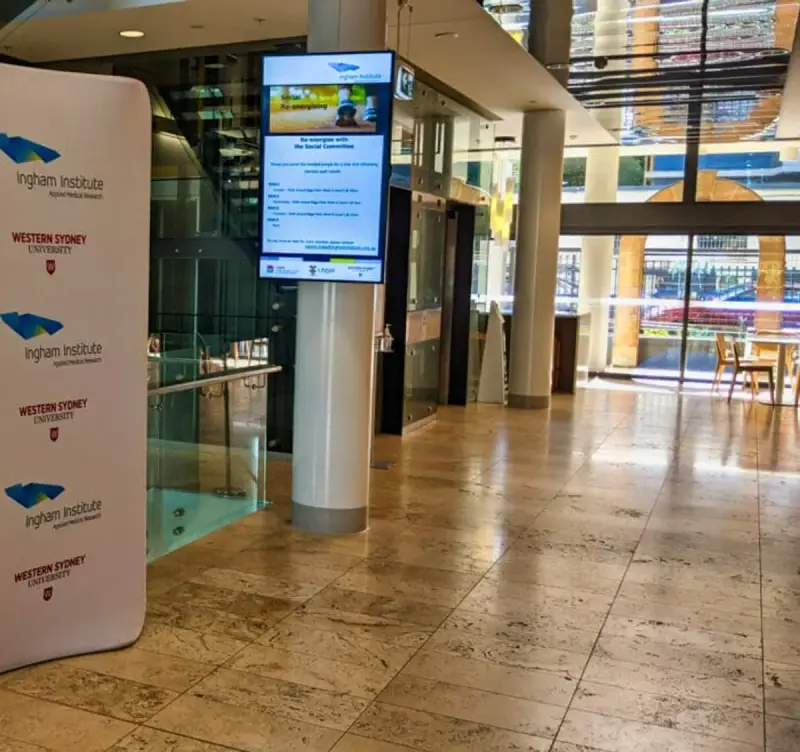
Workplace technology projects often begin with a proposed product: a screen in reception, a new directory or an interactive kiosk. That can be a useful idea, but it is not yet a complete problem statement. Consulting is most useful when it helps an organisation connect the proposed technology to the experience, workflow or operational issue it wants to improve.
A good project brief creates that connection. It explains the current situation, the people affected, the required outcome and the constraints that shape a sensible solution. This guide shows how to build a brief that supports a productive discussion about signage, wayfinding, cloud services and related workplace tools.
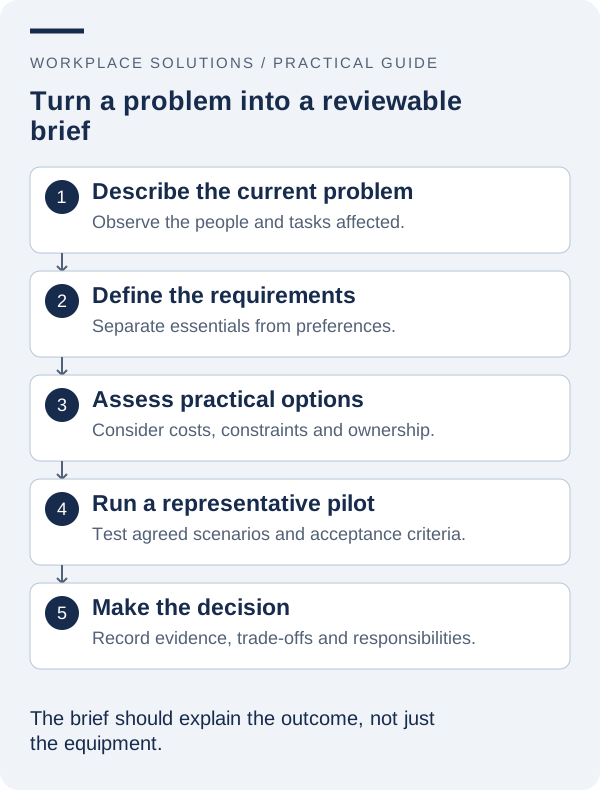
1. Describe the problem before specifying a product
Start with what people currently find difficult. Visitors may repeatedly ask where to go, staff may receive inconsistent announcements, or building information may be updated in several places with different results. Describe the situation in plain language and identify where it occurs.
Separate observations from explanations. “Reception receives repeated questions about the training rooms” is an observation. “We need a touchscreen” is a proposed response. Keeping those statements distinct allows the project team to consider whether better names, clearer physical signs, a digital directory or a combination of changes would address the issue.
Gather a manageable amount of evidence. Walk through the space, review existing information and ask the people who handle the problem each day. You do not need a large research programme to begin, but a few documented examples are more useful than relying entirely on a strong impression.
Define the scope of the problem. A project intended to improve arrival at one reception area should not silently become a replacement for every communication system in the organisation. Clear boundaries make it easier to discuss priorities and identify a sensible first stage.
2. Identify the people affected and the decisions they make
List the main groups involved: visitors, staff, reception teams, facilities managers, content publishers, IT staff and any relevant service owners. Describe what each group needs to do, rather than only recording its department name. A person publishing a notice has different requirements from someone reading it while walking through a foyer.
Map the decisions that happen during the experience. A visitor chooses an entrance, identifies a destination and decides which route to take. A content administrator chooses the audience, obtains approval and decides when a notice should expire. These decision points reveal where information is needed and where responsibility can become unclear.
Include people who may encounter the service differently. Consider accessibility, language, familiarity with the site and access outside normal hours. Involve appropriate representatives and specialists early enough that their input can influence the proposed approach.
Name the people who can make project decisions. A workshop with many contributors still needs a clear route for resolving conflicting requirements. Record who owns the business outcome, who approves spending and who can accept changes to the building, network or operational process.
3. Separate essential requirements from preferences
Turn the main needs into statements that can be checked. “Approved reception information can be updated by the nominated administrator” is a requirement. “The interface should feel modern” is a preference that needs further explanation before it can guide a decision.
Use a simple priority structure. Essential requirements describe what the solution must achieve for the project to be viable. Useful additions may improve the experience if they fit the budget and operating model. Future possibilities should be recorded without quietly expanding the first delivery stage.
For each essential requirement, identify the evidence that will demonstrate it. A workflow may need a hands-on demonstration; an installation constraint may need a site survey; an information-security requirement may need a documented supplier response. Different requirements call for different forms of verification.
Keep requirements independent of a particular product where that is practical. Specifying the desired result leaves room to evaluate alternative approaches. If a particular integration or existing platform is genuinely mandatory, state why, identify its owner and record the constraints it places on the project.
4. Document the environment and information sources
Describe the physical setting, intended locations and operating conditions. Include photographs, basic measurements, expected viewing positions and known access restrictions. Note who can approve mounting, power or other changes to the space. A supplier should not have to infer the site conditions from a generic request.
List the information the solution will present and where that information currently comes from. A directory may depend on a tenant register; a room board may depend on a calendar; general signage may depend on a communications workflow. Identify the owner of each source and whether it is maintained consistently.
Record relevant technical constraints with the IT team. These might concern network access, account management, approved platforms or a proposed data connection. Distinguish a confirmed policy from an assumption that still needs review.
Include operational constraints such as opening hours, restricted installation periods and the availability of staff for training. These details can influence the solution and delivery plan as much as a hardware specification. Making them visible early reduces avoidable surprises during quotation and implementation.
5. Compare approaches against the same brief
Explore a small number of realistic options, including changes to the existing process. A digital solution may be appropriate, but clearer content or better coordination between existing channels may also form part of the response. The purpose is to choose a workable approach, not to maximise the amount of technology installed.
Compare options using the essential requirements and operating constraints. Record which needs are met, which depend on further configuration and which remain unresolved. If a proposal includes additional functions, assess their value separately instead of allowing them to distract from an unmet core requirement.
Ask for a demonstration using your own representative scenarios. A polished generic demonstration can show what a product does, but it may not reveal how well your team can maintain a directory or correct an urgent notice. Invite the people who will perform those tasks to participate.
Document assumptions in plain language. If a proposal depends on a clean data source, available power or a particular integration, identify who will provide it. An assumption without an owner can become a gap between what the supplier expects and what the organisation believes it has purchased.
6. Build a business case around defensible outcomes
Connect the proposed investment to specific improvements in the workplace. These might include clearer arrival information, a more manageable publishing process or fewer conflicting directory records. Explain how the project will provide evidence of progress rather than promising broad benefits without a measurement plan.
Estimate the full operating cost. Separate hardware, installation, software, integration work, training and support. Include the internal time needed to create content and administer the service. State the period covered by the estimate and note which items are still subject to confirmation.
Be cautious with assumed savings. If a project might reduce repeated reception questions, observe the current workload before turning that possibility into a financial figure. A transparent estimate with stated assumptions is more useful than a precise-looking return based on unverified numbers.
Consider the consequence of not proceeding and the value of a smaller first stage. A focused pilot can help resolve uncertainty before the organisation commits to a wider deployment. Present it as a way to gather evidence, with clear decisions to be made at its conclusion.
7. Define the pilot, acceptance criteria and decision gates
A pilot should have a question to answer. It may test whether visitors understand a directory layout, whether staff can maintain content or whether an integration behaves as required. Choose a representative environment and record the limits of what the pilot can establish.
Write acceptance criteria before the demonstration begins. Include ordinary tasks and relevant exceptions, such as a renamed destination, an expired notice or an approved interruption. Define who will observe the result and who has authority to accept it.
Set a decision point after the pilot. The possible outcomes might include proceeding, revising the design, running another targeted test or choosing a different approach. Avoid allowing a pilot to become a permanent installation simply because equipment has already been placed on site.
Keep a record of decisions and unresolved questions. This makes the reasoning available to people who join the project later and prevents previously rejected assumptions from returning without review. It also gives suppliers a clear basis for updating a proposal after the pilot.
8. Plan ownership beyond the project launch
Decide who will own the service once implementation is complete. Name the content owner, administrator, technical support contact and person responsible for reviewing the outcome. A project can be delivered successfully yet become difficult to operate if these responsibilities remain informal.
Specify the handover information that will be required. This may include equipment and location records, approved administration access, publishing guidance, support procedures and the agreed source of location or schedule information. Keep credentials in an appropriate private system rather than in general project documentation.
Arrange a review after the first operating period. Use the original problem statement and acceptance criteria to assess whether the service is helping. Make room for adjustments to content and process; not every early issue requires a different product.
Workplace Solutions offers consulting, cloud infrastructure, project management and support. To prepare for a useful conversation, bring a short description of the problem, representative examples, known constraints and the people responsible for decisions. Contact the team with that brief to explore an appropriate next step.